Polar Fitness Watches, Sensors and Accessories in Armenia
Frequently Asked Questions
How do I pair my Polar Verity sense with Polar Flow app
If you did the setup for your Verity Sense with a phone, it has already been paired. If you get a new phone and want to pair your sensor with it, you can do so by following the instructions below.
Before pairing your Verity Sense with a new phone:
Download the Flow app from the App Store or Google Play.
Make sure your phone has Bluetooth turned on, and airplane mode/flight mode is not turned on.
Make sure you have recorded at least one training session in the sensor's internal memory by using the sensor in recording mode or in swimming mode.
Android users: make sure location is enabled for the Polar Flow app in the phone's application settings.
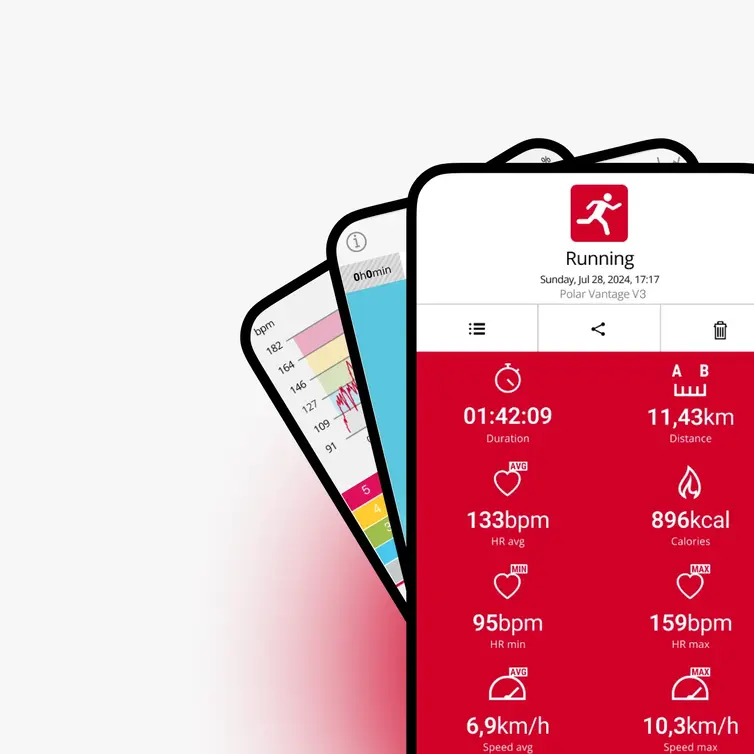
Syncing your Verity Sense with the Polar Flow app transfers your recorded training data to the app so you can view your stats and history.
Before syncing your Verity Sense:
Download the Flow app from the App Store or Google Play.
Make sure your phone has Bluetooth turned on, and airplane mode/flight mode is not turned on.
Make sure you have at least one training session saved in the sensor's internal memory.
Android users: make sure location is enabled for the Polar Flow app in the phone's application settings.
To sync your Verity Sense:
Open the Polar Flow app on your phone.
Bring your Verity Sense close to your phone.
The app will detect the sensor automatically and begin syncing.
Wait for the sync to complete before closing the app.